 Zinn® Ads
Guides
Choose what the Zinn® Ads autopilot may change
Each account's Autopilot settings: Ask me first, Automatic or Never for each kind of change, spend ceilings, Hold until a sale, a return target, markets and competitor campaigns.
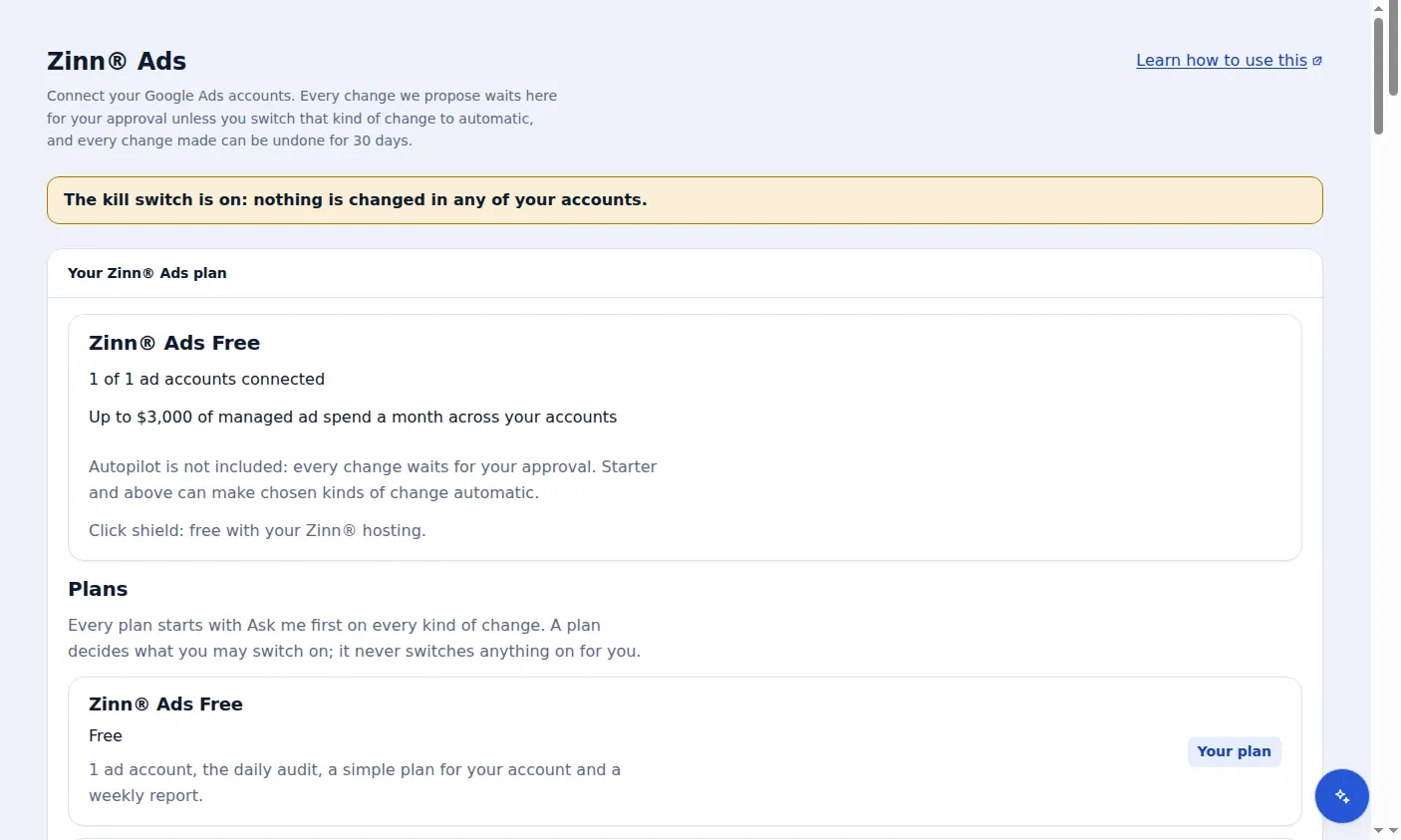
Open the account's Autopilot settings
In Zinn® Ads, every connected account's card has its own Autopilot settings. They decide what Zinn® Ads may change in that account by itself, and what waits for you.
Ask me first, Automatic or Never
Set each kind of change: Negative keywords, Keywords, Pausing and re-enabling, Budgets, Bids, Exclusions, Campaigns, Ads, Assets, Audiences and Conversions. Ask me first waits under Needs you, Automatic is made for you, Never is not made at all. Every kind starts as Ask me first.
Confirm before anything becomes automatic
When you choose Automatic, the screen first says in plain words what Zinn® Ads will then do by itself. Nothing changes until you press Yes, make it automatic. Automatic changes appear under Changes and in the daily e-mail, and each one can be undone for 30 days.
Hold until a sale and the return target
Hold until a sale is on by default: Zinn® Ads does not raise a budget by itself until the account has had a sale in the last 30 days. A return target (ROAS), such as 4, holds every raise while the last 30 days are under it. A held raise waits for you.
Markets and competitor campaigns
Markets and languages limit where new campaigns may run. Competitor campaigns reach people searching for your competitors; a competitor's name is never used in your ad text.
What your plan includes
Free has Ask me first and Never, spend ceilings and one language. Starter adds Automatic, Hold until a sale and the return target. Pro and Agency add several languages and competitor campaigns. On a smaller plan an Automatic kind is kept but waits for your approval.
A real screen from the Zinn® Ads dashboard, with example account names.
Next guide: Build a Google Ads account in Simple mode
Included free with Zinn Digital® hosting
Host with Zinn Digital® and the click shield is free
On our hosting the click-fraud shield runs on the server, and Zinn® Ads can see when your site or checkout is down and pause your ads until it is back.