 Zinn® Ads
Coming
Connect Microsoft Advertising to Zinn® Ads
Microsoft Advertising support is built and connecting opens once our Microsoft app setup is finished. This is how it works.
Coming: the Microsoft app setup
Zinn® Ads already has a Connect Microsoft Advertising button, and the daily audit, approvals, Undo and the kill switch work for Microsoft accounts. Connecting opens for everyone as soon as our Microsoft app registration is complete.
Sign in with Microsoft and allow access
Press Connect Microsoft Advertising, sign in with the Microsoft account that runs your ads and allow access to your Microsoft Advertising accounts. If you refuse, nothing is added.
Approve what the audit proposes
The daily audit proposes negative keywords, new keywords and pauses. Each one waits under Needs you, exactly like a Google Ads change, and can be undone for 30 days.
Disconnect at any time
Press Disconnect beside the account. We forget our access and delete what we hold about it. Your ad spend and billing always stay in your own Microsoft Advertising account.
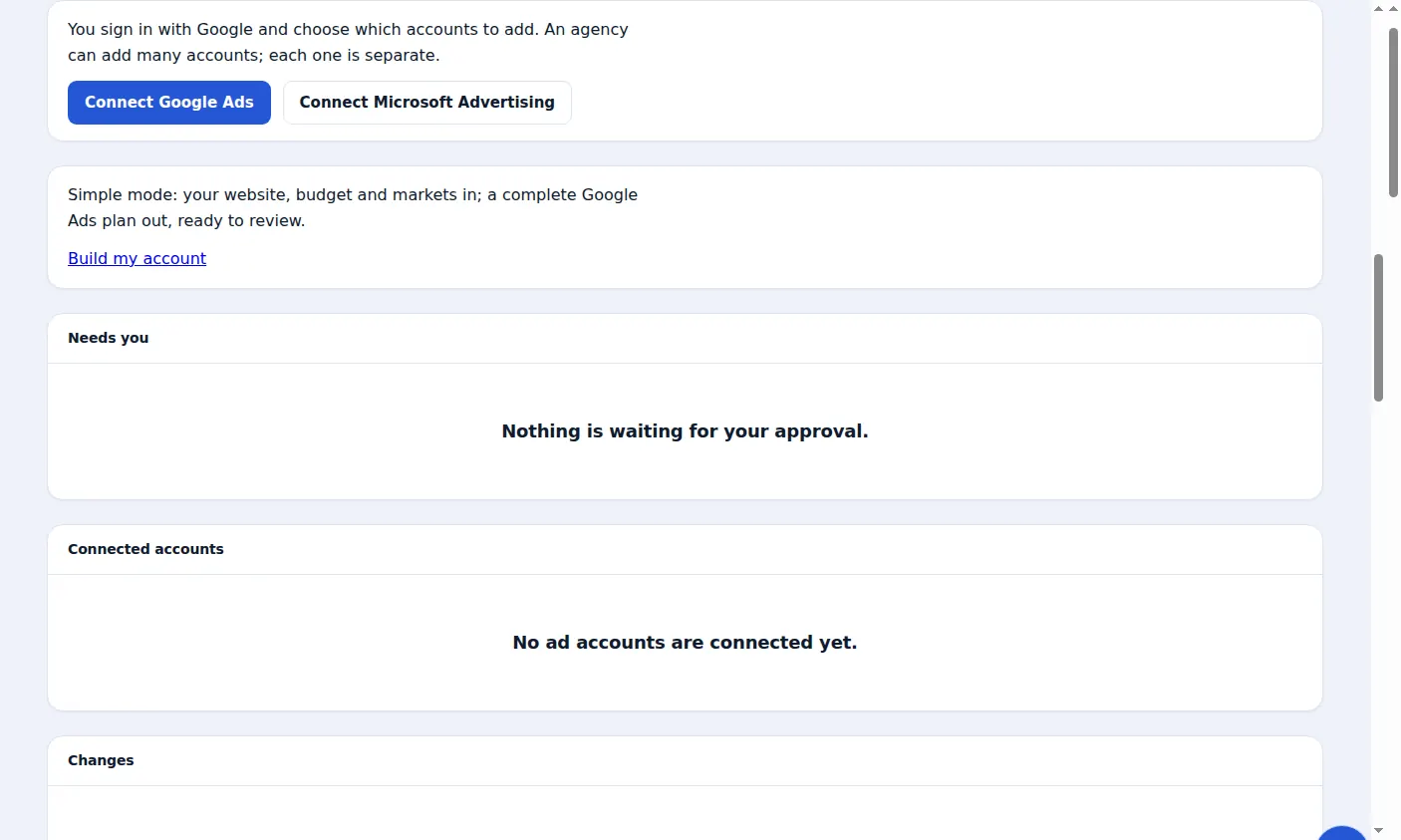
A real screen from the Zinn® Ads dashboard, with example account names.
Next guide: Manage many ad accounts in one company
Included free with Zinn Digital® hosting
Host with Zinn Digital® and the click shield is free
On our hosting the click-fraud shield runs on the server, and Zinn® Ads can see when your site or checkout is down and pause your ads until it is back.