 Zinn® Ads
Guides
Manage many ad accounts in one company
Connect one account per country, brand or client: each stays separate, with its own settings, ceilings and approvals.
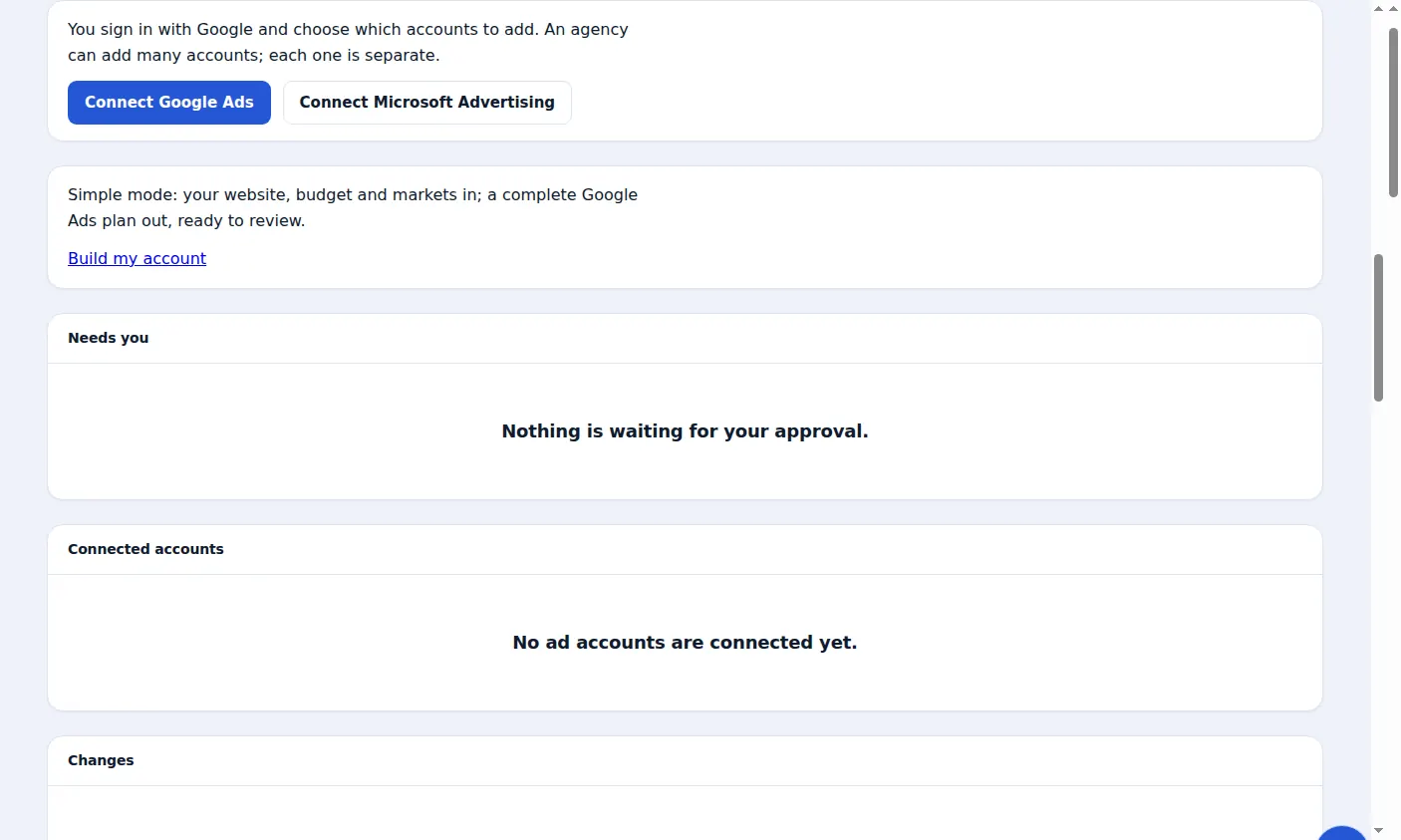
One company, many accounts
A company can connect many accounts on each network, for example one Google Ads account per country. Free and Starter include one ad account, Pro five and Agency up to 25; Extra accounts adds 10 more.
Each account is separate
Every account has its own spend ceilings, its own choice of what may change without asking and its own audit. A change proposed for one account never touches another.
Pause one account
Press Pause this account to stop all changes in that account while the others carry on. Press Resume to start again.
Agencies and client accounts
The Agency plan is made for agencies: up to 25 client ad accounts in one place, each kept apart, with spend counted across all of them.
A real screen from the Zinn® Ads dashboard, with example account names.
Next guide: Approve ad changes before they go live
Included free with Zinn Digital® hosting
Host with Zinn Digital® and the click shield is free
On our hosting the click-fraud shield runs on the server, and Zinn® Ads can see when your site or checkout is down and pause your ads until it is back.