 Zinn® Ads
Guides
Control Zinn® Ads from MCP and AI assistants
Zinn® Ads tools on the Zinn Digital® MCP server let an AI assistant read your accounts, run audits and decide on changes, under the same rules as the dashboard.
Connect your assistant
Add the Zinn Digital® MCP server to your AI assistant and sign in. The setup is described at zinndigital.com/developers/mcp.
The Zinn® Ads tools
Your assistant can see your plan, list connected accounts, start a connection, run an audit, list changes, approve or reject a change, change an account's autopilot settings, use the kill switch, start a Simple mode build and read the click-fraud shield's clicks and exclusions.
The same rules apply
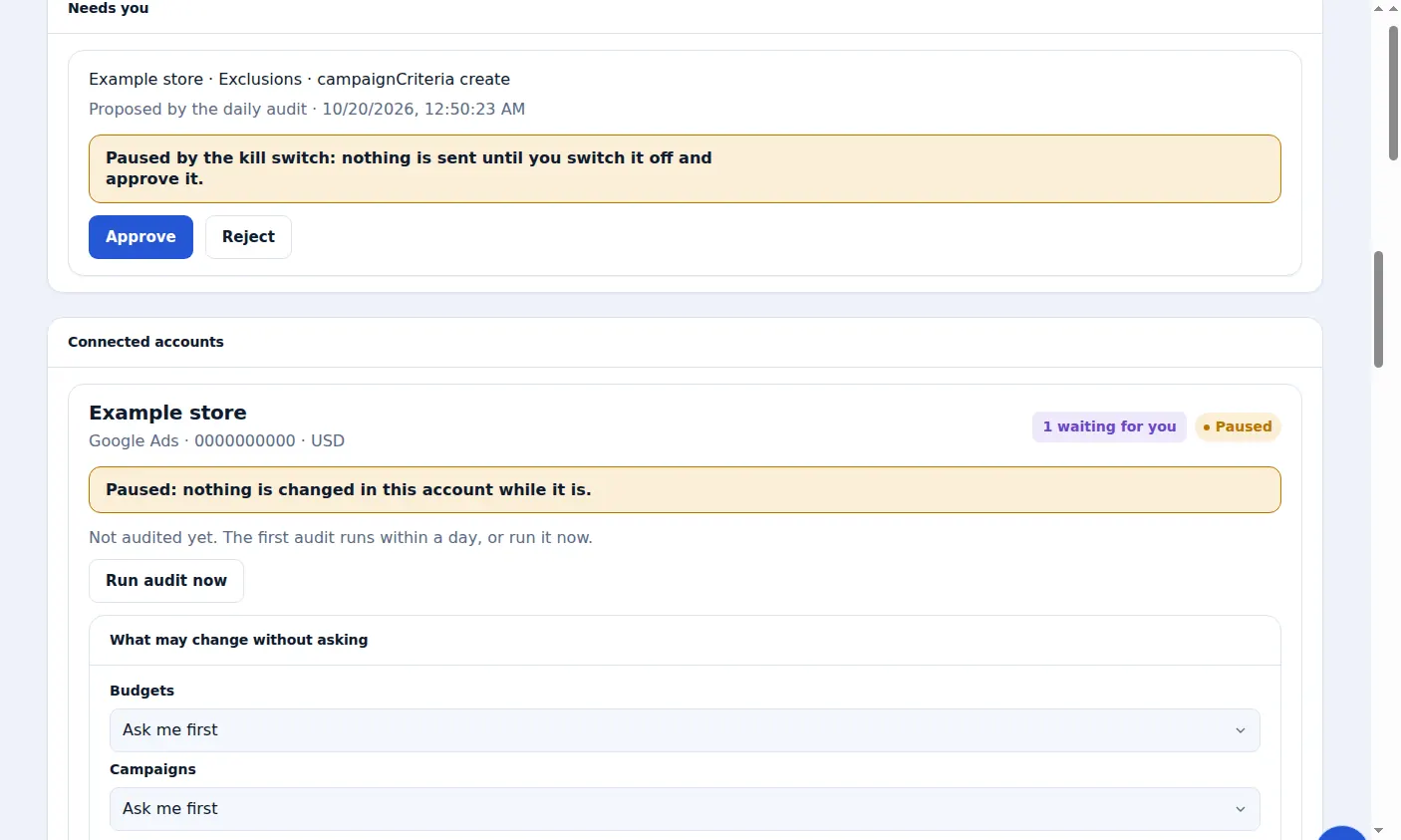
The tools act with your permissions. Approve-first, spend ceilings, the kill switch and the 30-day Undo work exactly as they do in the dashboard.
A real screen from the Zinn® Ads dashboard, with example account names.
Next guide: The Zinn® Ads notice in WordPress
Included free with Zinn Digital® hosting
Host with Zinn Digital® and the click shield is free
On our hosting the click-fraud shield runs on the server, and Zinn® Ads can see when your site or checkout is down and pause your ads until it is back.