 Zinn® Ads
Guides
The daily Zinn® Ads e-mail
One e-mail a day: the changes made in your accounts and what needs you, with Approve and Undo links.
Switch it on
In Zinn® Ads, tick E-mail me each day: changes made and what needs me. Untick it to stop the e-mails.
What it tells you
It counts the changes made since the last e-mail and the changes waiting for your approval, and lists each one.
Approve or undo from the e-mail
Each change has its own Approve or Undo link. The link opens the change in Zinn® Ads, asks you to sign in and is valid for 7 days.
When a link has expired
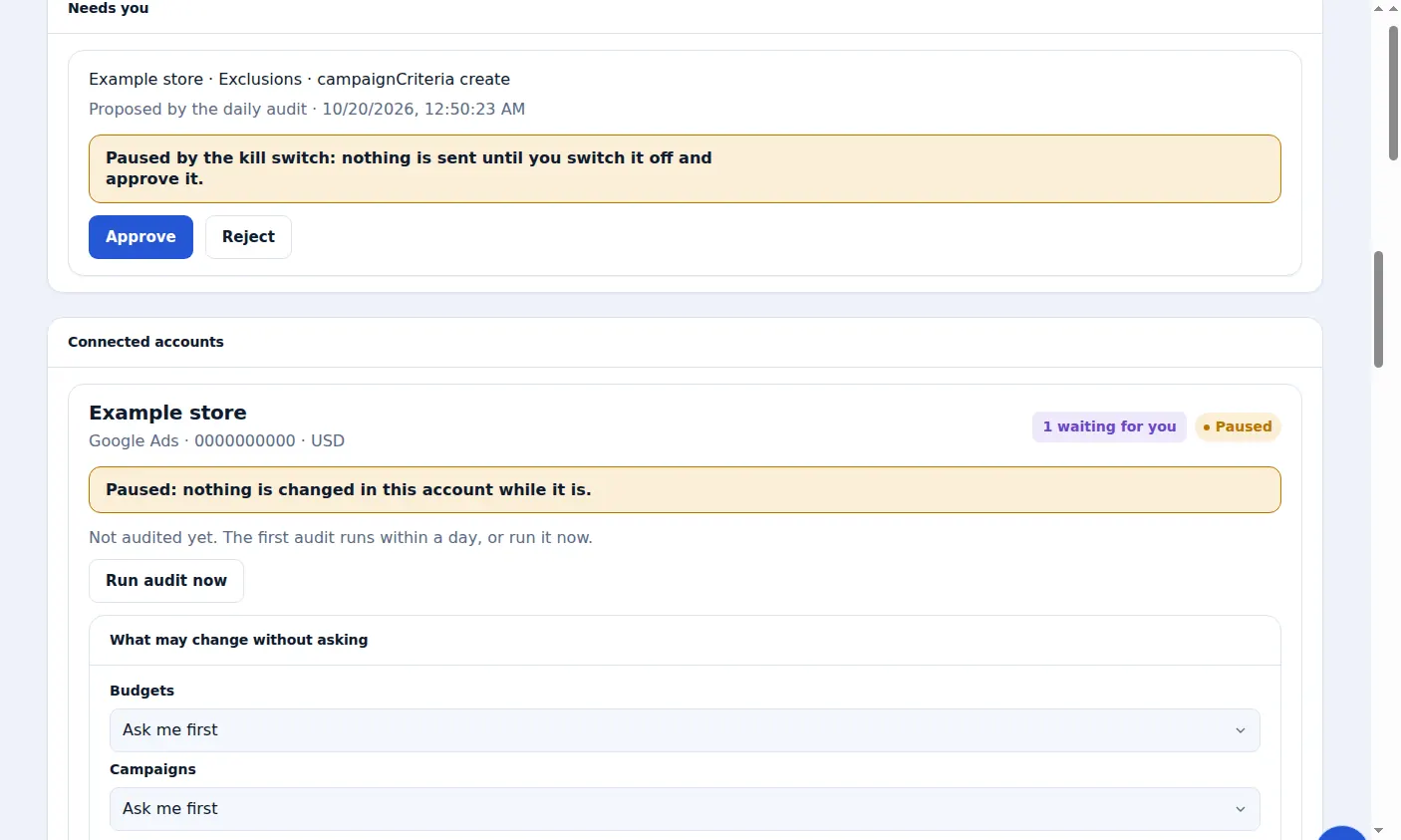
An old link says it has expired. Open Zinn® Ads to see the same change under Needs you or Changes.
A real screen from the Zinn® Ads dashboard, with example account names.
Next guide: Choose what the Zinn® Ads autopilot may change
Included free with Zinn Digital® hosting
Host with Zinn Digital® and the click shield is free
On our hosting the click-fraud shield runs on the server, and Zinn® Ads can see when your site or checkout is down and pause your ads until it is back.