 Zinn® Ads
Guides
Undo an ad change within 30 days
Every change Zinn® Ads makes is logged and can be put back with one click for 30 days, from the dashboard or the daily e-mail.
Find the change
The Changes list shows every change made in your accounts, with the date until which it can be undone.
Press Undo
Press Undo beside the change. Your account is put back as it was before the change, and the change is shown as Undone.
Undo from the e-mail
The daily e-mail has an Undo link beside every change it reports. It opens the change in Zinn® Ads and asks you to sign in first.
Undo works even when changes are stopped
Undo keeps working while the kill switch is on or an account is paused, so you can always put a change back.
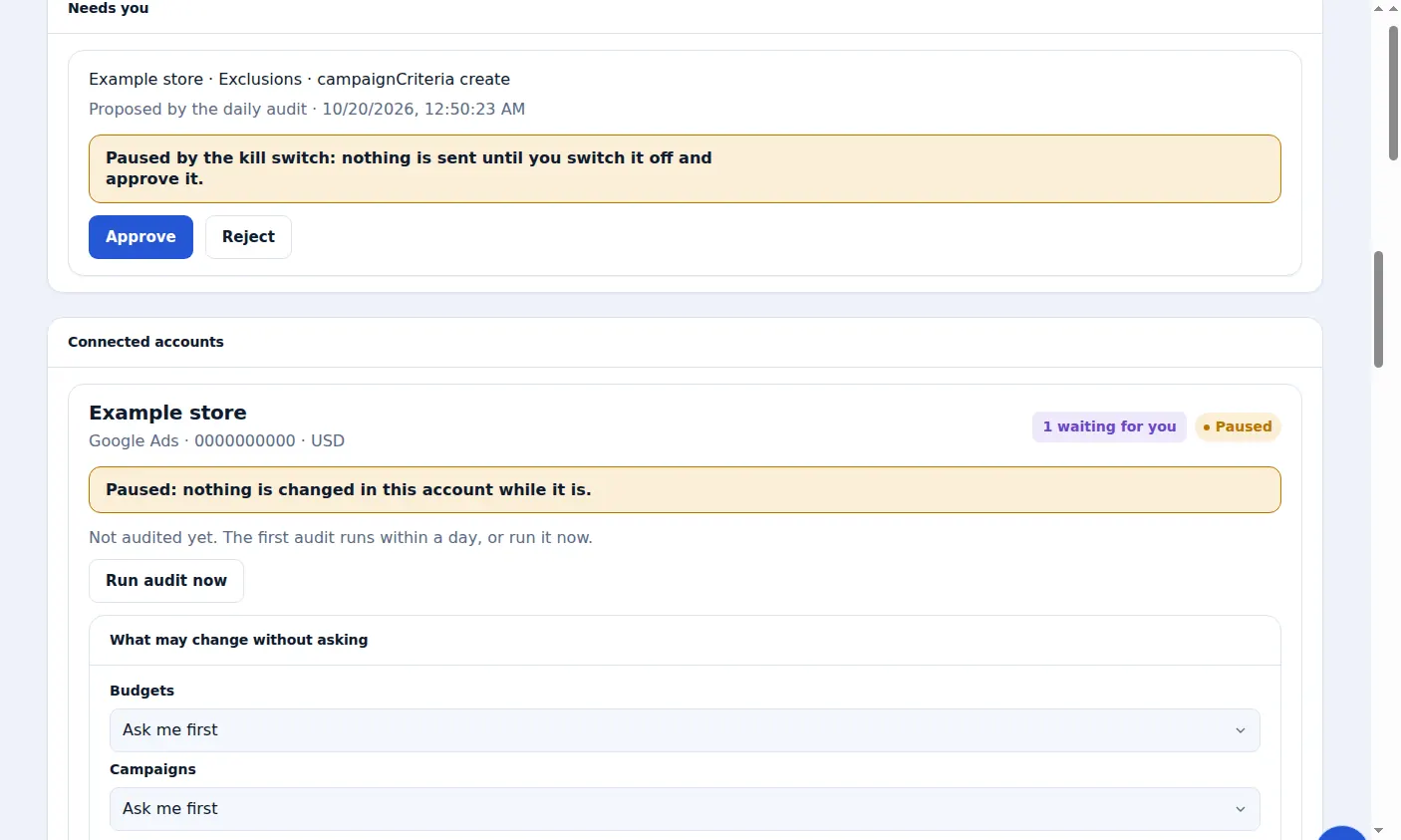
A real screen from the Zinn® Ads dashboard, with example account names.
Next guide: The daily Zinn® Ads e-mail
Included free with Zinn Digital® hosting
Host with Zinn Digital® and the click shield is free
On our hosting the click-fraud shield runs on the server, and Zinn® Ads can see when your site or checkout is down and pause your ads until it is back.