 Zinn® Ads
Guides
Set spend ceilings and use the kill switch
Daily and monthly spend ceilings per account, the kill switch for every account at once, and pausing a single account.
Set a daily and a monthly ceiling
In the account's Autopilot settings, enter a daily and a monthly spend ceiling in the account's own currency and press Save. Leave a field empty for no ceiling.
How a ceiling works
A change that would take the account's daily budgets above the daily ceiling, or a month of them above the monthly ceiling, is refused and shown as Stopped by a safety limit.
The kill switch
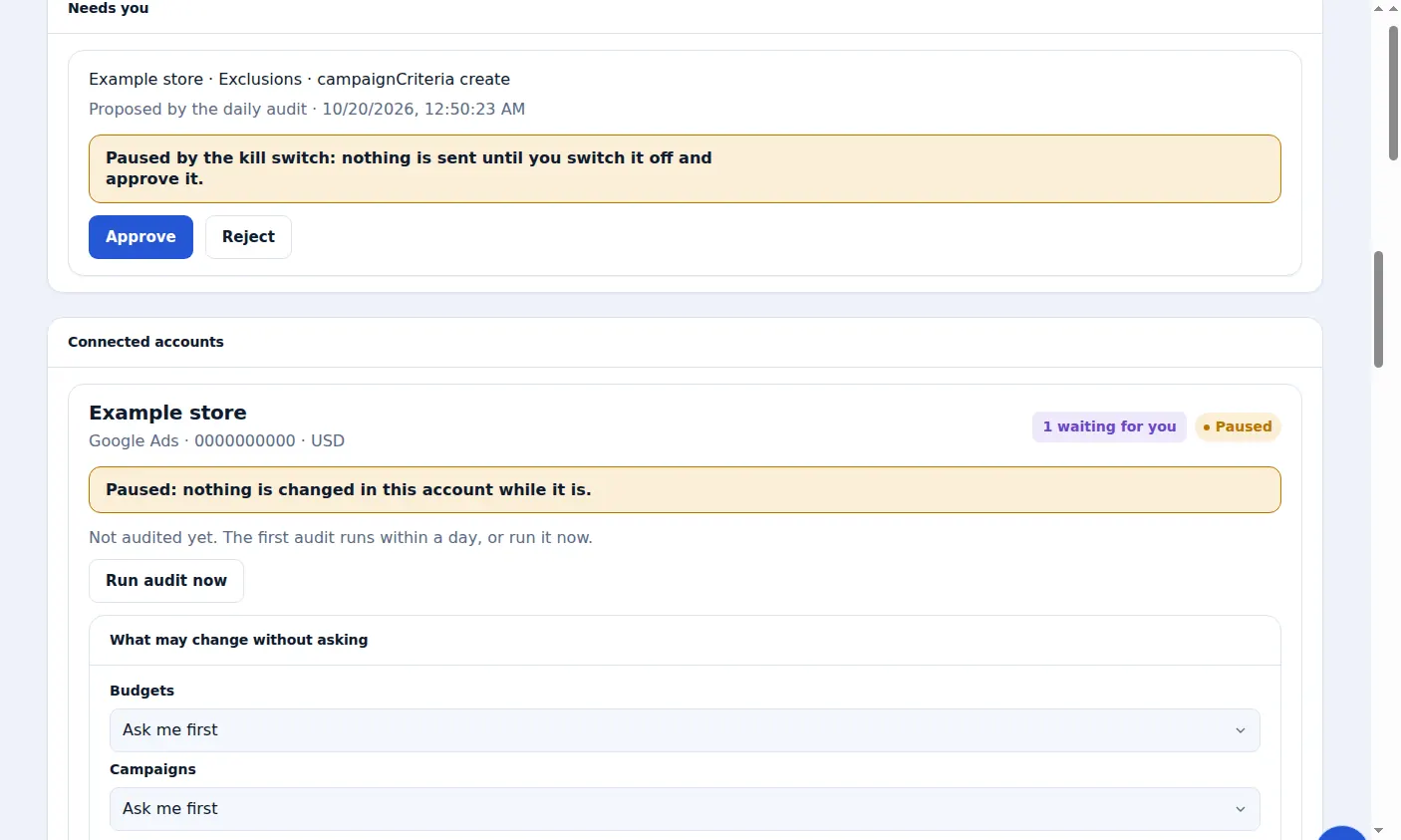
Press Stop all changes and nothing is changed in any of your connected accounts until you press Allow changes again. Undo still works while it is on.
Pause just one account
To stop one account only, press Pause this account beside it. Nothing is changed in that account until you press Resume.
A real screen from the Zinn® Ads dashboard, with example account names.
Next guide: Undo an ad change within 30 days
Included free with Zinn Digital® hosting
Host with Zinn Digital® and the click shield is free
On our hosting the click-fraud shield runs on the server, and Zinn® Ads can see when your site or checkout is down and pause your ads until it is back.