 Zinn® Ads
Guides
Claim refunds for invalid clicks with evidence packs
Each month the shield prepares a refund evidence pack per Google Ads account, ready for you to send through Google's invalid-click form.
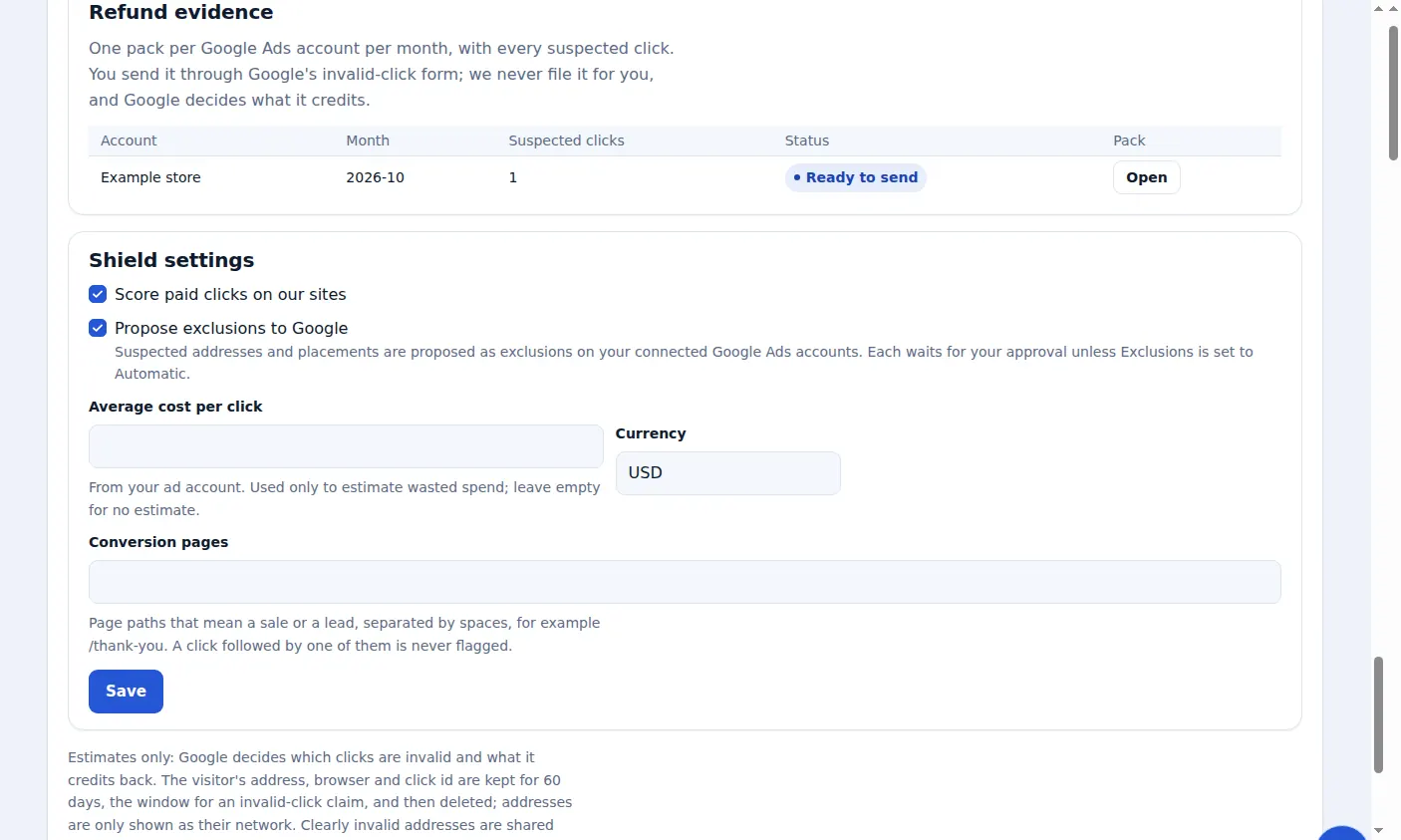
One pack per account per month
Open Click-fraud shield, then Refund evidence. A pack appears for each connected Google Ads account and month with suspected clicks.
What a pack contains
Every suspected click with its time, click ID, campaign, keyword, network, reasons and server log line, plus a pre-filled claim text.
Send it to Google yourself
Press Open, copy the claim text and use the button that opens Google's invalid-click form. We never file a claim for you.
Send within the claim window
Google accepts invalid-click claims for a limited time, so evidence is kept for 60 days and then deleted. Send each pack soon after the month ends.
Google decides what it credits
A pack is evidence, not a promise: Google decides which clicks were invalid and what it credits back. Tracking the credit Google gives is coming.
A real screen from the Zinn® Ads dashboard, with example account names.
Next guide: Control Zinn® Ads from MCP and AI assistants
Included free with Zinn Digital® hosting
Host with Zinn Digital® and the click shield is free
On our hosting the click-fraud shield runs on the server, and Zinn® Ads can see when your site or checkout is down and pause your ads until it is back.