 Zinn® Ads
Guides
Count Freemius trials and sales in Google Ads
Send every Freemius trial, payment and refund to Zinn® Ads by signed webhook. Freemius keeps no custom data from the checkout, so the click is matched through the buyer's e-mail address, turned into a code first.
Add Freemius in Zinn® Ads
Open the ad account's Tracking truth check, then Checkout providers, and add Freemius. Tick Test mode to count only sandbox events.
Paste our URL into Freemius
In Freemius, open your product, then Settings, then Webhooks, and add the webhook URL Zinn® Ads shows you for user.trial.started, payment.created and payment.refund.
Give us the product's secret key
Freemius signs each delivery with your product's Secret Key, under Settings, then Keys. Paste it into the box under the source and save it; it is kept in our secure vault and never shown again.
Watch the trials and sales arrive
A started trial becomes a trial, a payment becomes a sale and a refund marks its sale refunded. A delivery whose signature does not match your secret key is refused, and the source's card shows the last delivery.
How the click is matched
Each trial and sale is sent to Google Ads on its own. Freemius keeps nothing a checkout is opened with, so we send the buyer's e-mail address, turned into a code first, and Google Ads matches it to the click with enhanced conversions. Turn on enhanced conversions for leads in Google Ads for the best match.
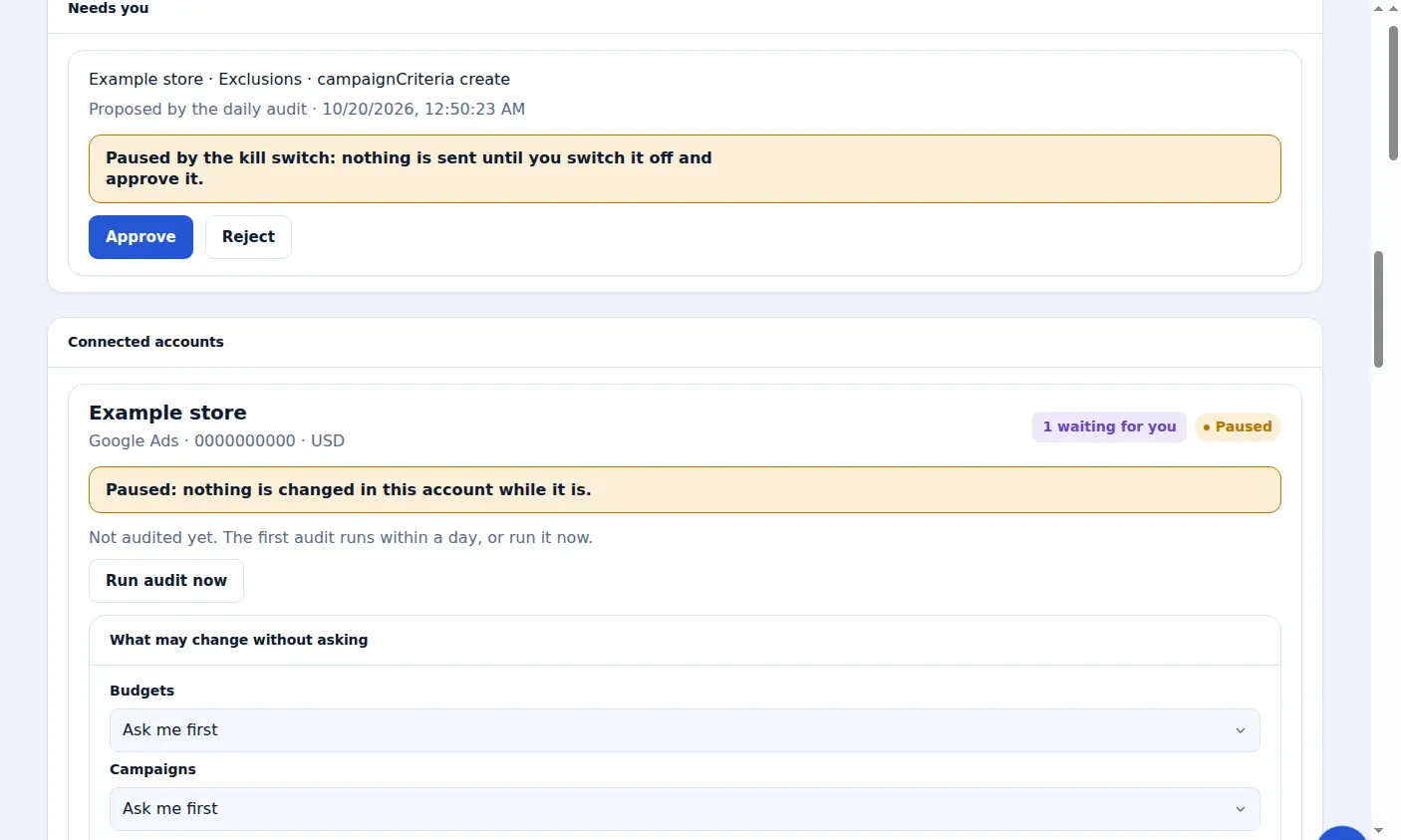
A real screen from the Zinn® Ads dashboard, with example account names.
The feature this guide sets up: Freemius integration
Next guide: Send Zinn® Ads reports to your clients, as a PDF or in Looker Studio
Included free with Zinn Digital® hosting
Host with Zinn Digital® and the click shield is free
On our hosting the click-fraud shield runs on the server, with nothing to install and nothing to pay.