 Zinn® Ads
Choose what the Zinn® Ads autopilot may change
Choose what the Zinn® Ads autopilot may change — Part 2 of 3
Each account's Autopilot settings: Ask me first, Automatic or Never for each kind of change, spend ceilings, Hold until a sale, a return target, markets and competitor campaigns.
Give a crowded-out country its own campaign
When one cheap country takes most of a campaign's impressions, Countries inside your campaigns on Insights names the country that gets almost none. The next day Zinn® Ads builds that country its own campaign, with the campaign's best ad groups, its languages and bid limit, and a daily budget equal to its share of the campaign's budget, and removes the country from the old campaign. On Approve it waits in Changes for you; on Automatic it is made for you. Your spend limits and the kill switch always apply, and Undo within 30 days removes the new campaign and puts the country back.
New campaigns start tight, and bare platform searches are blocked
Every campaign Zinn® Ads builds for you starts on half its daily budget, with exact and phrase keywords only, a limit on what one click may cost, and never in a country on your exclusion list. Its budget grows only once it brings real results, such as sales or customers who use what they signed up for. A search that is only the name of a platform, such as "wordpress", "wordpress com" or "download", comes from someone looking for that platform rather than your product, so Zinn® Ads blocks that one search on its own (never your keywords, never a search that converted), and you can undo it in one click.
Alarms when your ads look busy but nothing real follows
Zinn® Ads checks every day that the results your ads report lead somewhere. When sign-ups or trials keep growing for three days while nobody installs, activates or buys, the campaign is marked at risk in your daily e-mail with what it has spent and what to bid on instead. When a campaign on Maximize clicks sends most of its clicks to the cheapest country, one you do not sell to, Countries inside your campaigns on Insights and the e-mail name that country, what its clicks cost against the rest, and the fix: exclude it, give your target country its own campaign, or bid on conversions.
Negative keywords that block your own keywords, found and fixed
Every day Zinn® Ads compares each negative keyword in your account, at campaign, ad group, shared list and account level and by match type, with the keywords you bid on, across all your campaigns. A negative that blocks one of your own keywords becomes one suggested fix, even with the autopilot off: pause the keyword if the negative is meant, make the negative exact match, remove it, or move a list negative into the campaigns it was meant for. You approve it, or with the negatives autopilot on it is applied for you with a 30-day Undo, and no change made through Zinn® Ads can add a negative that blocks one of your keywords.
Campaigns and keywords judged on real results
A campaign that has run for 14 days or more and spent what a result costs the account, with no install, activation or sale where its clicks should have brought some, is suggested for pausing with what it spent, or paused for you when Pausing and re-enabling is Automatic, with a one-click Undo. A paused keyword that brought a conversion in the last 90 days is suggested to start again.
Junk searches stopped before they add up
A search that shares no word with your keywords, ad groups or products is blocked from its first paid click, never one that converted. You approve the first list, then every daily check blocks the matches itself, each with an Undo. Small searches that share one word and together spend without converting become one suggested negative with their total spend.
Bidding steps up only when a campaign has the results for it
Each campaign moves one bidding step at a time, from clicks to conversions to a target cost or return, and only once it has enough conversions of its own: at least 15 in the last 30 days before any conversion-based strategy (with values for a value-based one), and the network's minimum plus a safety margin for the steps above. The switch waits for your approval unless you turn on automatic switching, and a campaign already on a conversion strategy without the data is flagged, with a move back to Maximise clicks and a cost-per-click limit for you to approve. After a switch the campaign learns for 14 days with no automatic bid, keyword or budget changes, but waste blocking keeps running: irrelevant searches are still added as negative keywords. Then the result is measured, and if it got worse the campaign steps back. When Google suggests a switch too early, Zinn® Ads tells you why not yet, and you switch with one click and a one-click Undo.
Each campaign judged against its own objective
Give each campaign an objective: leads at a target cost, revenue at a target return, profit at your margin, a place at the top of the page, defending your brand name, or simply traffic. Zinn® Ads then judges that campaign against its objective and steers its bidding towards it one step at a time, only when Google or Microsoft say it has the data, with the 14-day learning freeze and a one-click Undo. Nothing changes until you approve the objective.
Next part: Part 3 of 3
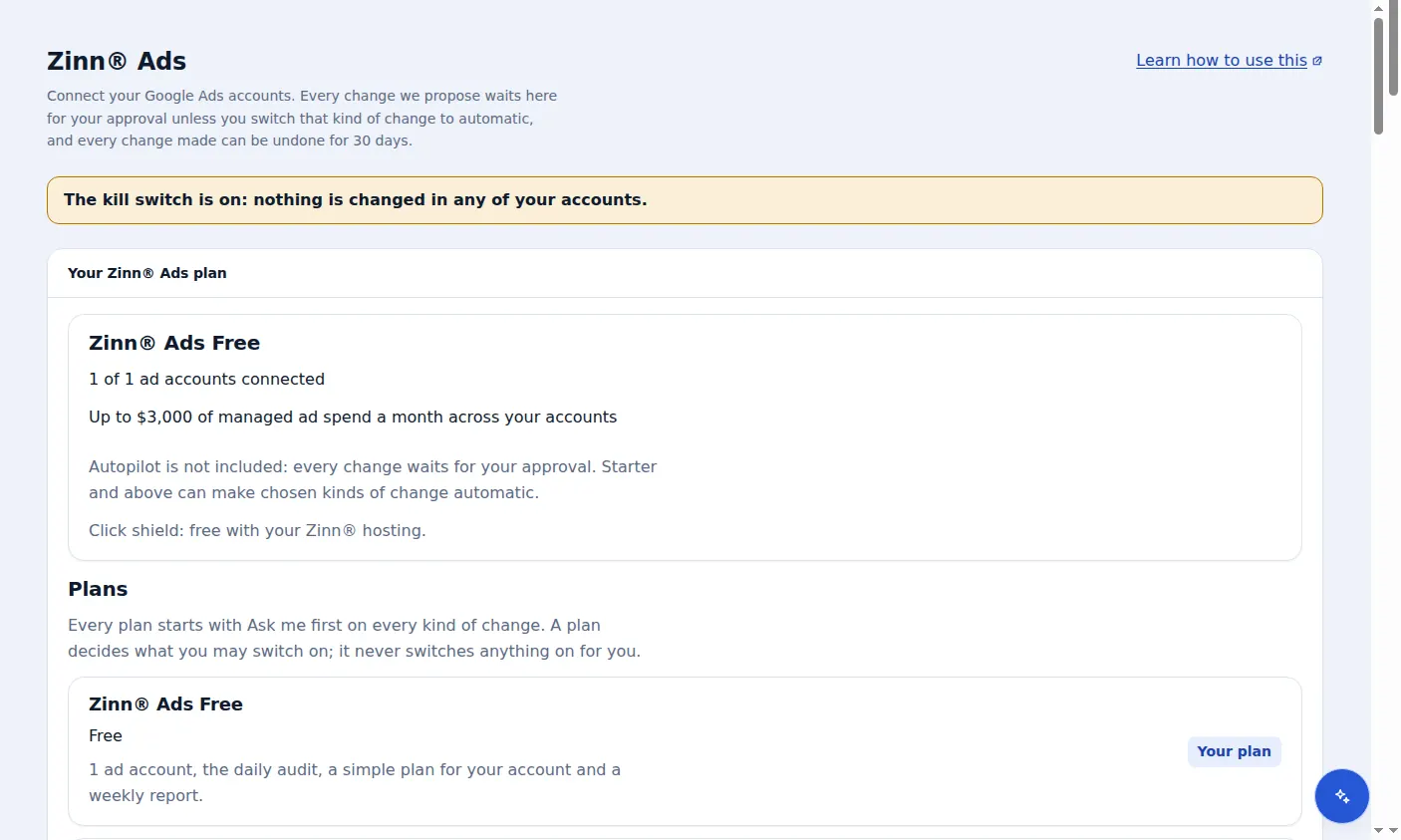
A real screen from the Zinn® Ads dashboard, with example account names.
The feature this guide sets up: Approve-first and autopilot
Next guide: Build a Google Ads account in Simple mode
Included free with Zinn Digital® hosting
Host with Zinn Digital® and the click shield is free
On our hosting the click-fraud shield runs on the server, with nothing to install and nothing to pay.